Tuning in a Fire TV Stick
Last looked over: 14 October 2026 · BritCast TV team
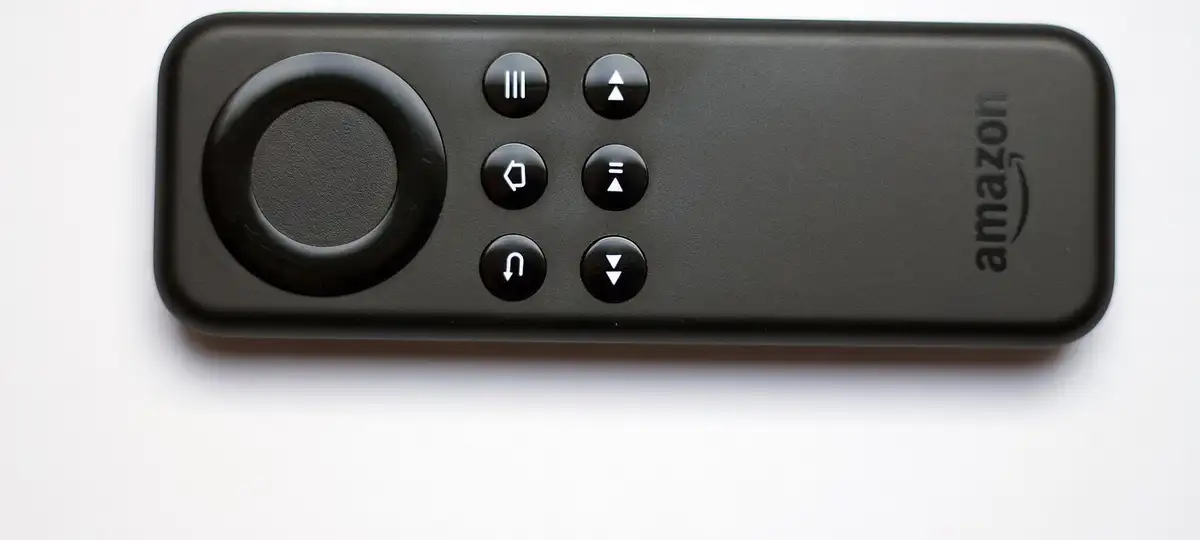

An Amazon stick needs one player app, Smarters Pro from Amazon’s own store where available or TiviMate fetched with the free Downloader tool, and then our three log-in details. Give it ten minutes; the routine is identical on the 4K, the 4K Max and the Cube.
- Developer options need switching on once, so apps from outside Amazon's store can install.
- TiviMate looks most like a proper TV guide; Smarters is the gentlest start.
- If the router is far away, Amazon's Ethernet adapter solves most stuttering.
Have your three log-in details ready: server, username, password. Free-day details arrive in the same WhatsApp chat.
1. Switch on developer options
Open About inside My Fire TV, then click the stick’s name seven times with the select button. A Developer options entry appears in My Fire TV; in it, let Downloader install apps from unknown sources.
2. Install Downloader
Search the home screen for Downloader, the orange app by AFTVnews, and install it from Amazon’s store.
3. Install a player
- IPTV Smarters Pro: install from Amazon’s store if it shows in the search.
- TiviMate: type the TiviMate developer’s own download address into Downloader and install what it fetches. The Premium upgrade is optional and sold by TiviMate.
4. Type in your log-in
Open the player and choose Xtream Codes (TiviMate: Add playlist, then Xtream Codes). Enter the three details exactly as sent and name the playlist BritCast.
5. Let the guide load
Channels and listings usually appear within a minute. Blank grid? See fixing the programme guide.
6. Tidy up
Hide the groups you will never use, mark favourites, then take Downloader’s permission away again.
Stuttering? Fire sticks hide behind the telly far from the router; the buffering fixes help, and an Ethernet adapter helps most.