Fixing an empty or wrong programme guide
Last looked over: 14 October 2026 · BritCast TV team
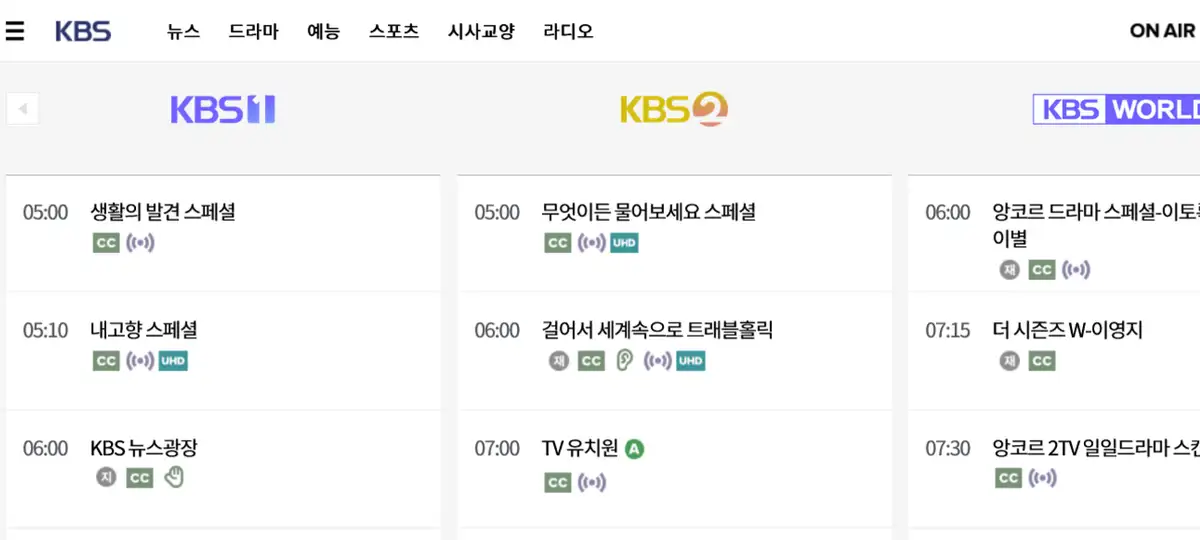

Your what’s-on grid has a technical name, the EPG (electronic programme guide). IPTV apps download it separately from the channels and pair the two up by an ID. Most blank or wrong guides are cured by refreshing the EPG in the app, setting the device clock to London time, or adding the guide link from your welcome message.
- Refresh first: most empty guides are simply stale.
- A clock on the wrong time zone puts every listing an hour out.
- A handful of minor channels publish no listings at all.
Why the grid is a separate thing
Pictures and listings travel separately. Listings arrive as one large data file, usually in XMLTV format, matched to each channel by an ID. Matching IDs give you programme names; mismatched ones give you “No information”.
Work through these
1. Refresh the guide
TiviMate keeps its refresh under Settings, EPG, Update EPG; Smarters has one in Settings. Smart TV apps usually have Reload, or you can sign out and in again.
2. Set the clock
Put the device on London time. TiviMate can also shift the guide under Settings, EPG, EPG time shift.
3. Add the guide address
Using a playlist link rather than Xtream Codes? Paste the EPG address from your welcome message into the app. See log-ins decoded.
4. Clear the cache
Clear the app’s cache (not its data, which signs you out) in the device’s app settings, then refresh again.
5. Tell us
A channel that stays blank while its neighbours fill up is worth reporting; we can usually re-pair it.