Joining
How to join
No account to create and no card stored. Five steps, mostly a chat with a real person.

THE GIST
Choose, message, pay once, receive the log-in in the same chat, tune in. During opening hours it usually takes under 15 minutes from first message to first programme.
Choose a rental
Pick a length and the number of TV sets on the rentals page, or start with the free day.
Send us a message
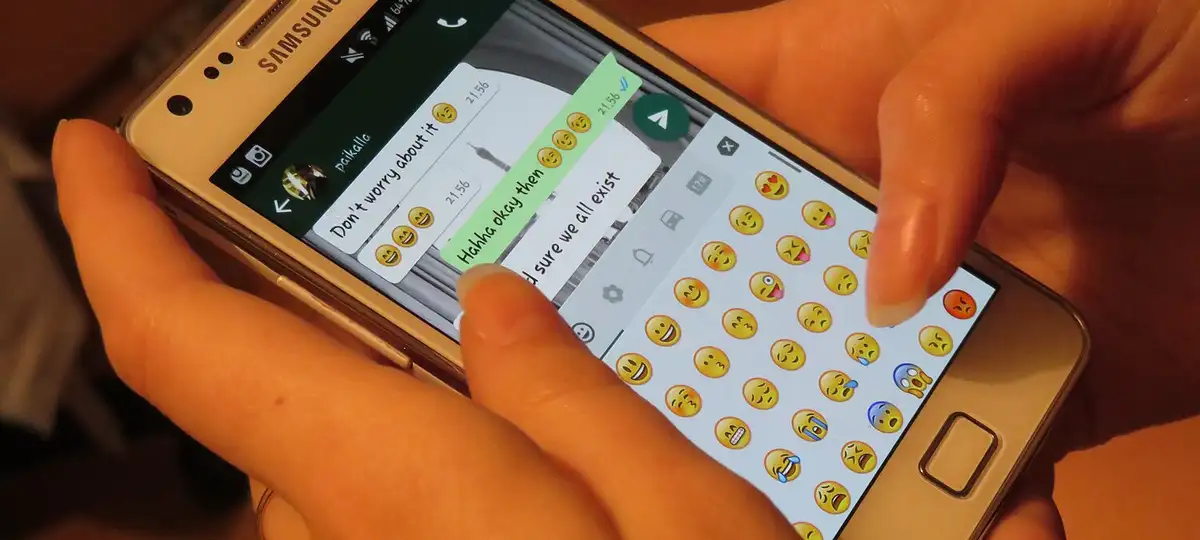
Press "Rent this" and WhatsApp opens with your choice already typed. Email works just as well.
Pay once
A link to pay arrives, or our account details for a transfer. Cards, PayPal, the Apple and Google wallets and Bitcoin all work.
Receive your log-in
Server, username and password arrive in the same conversation, with a receipt.
Tune in
Follow the guide for your screen. Stuck? A phone snap of the screen tells us most of what we need.