When the picture keeps freezing
Last looked over: 14 October 2026 · BritCast TV team
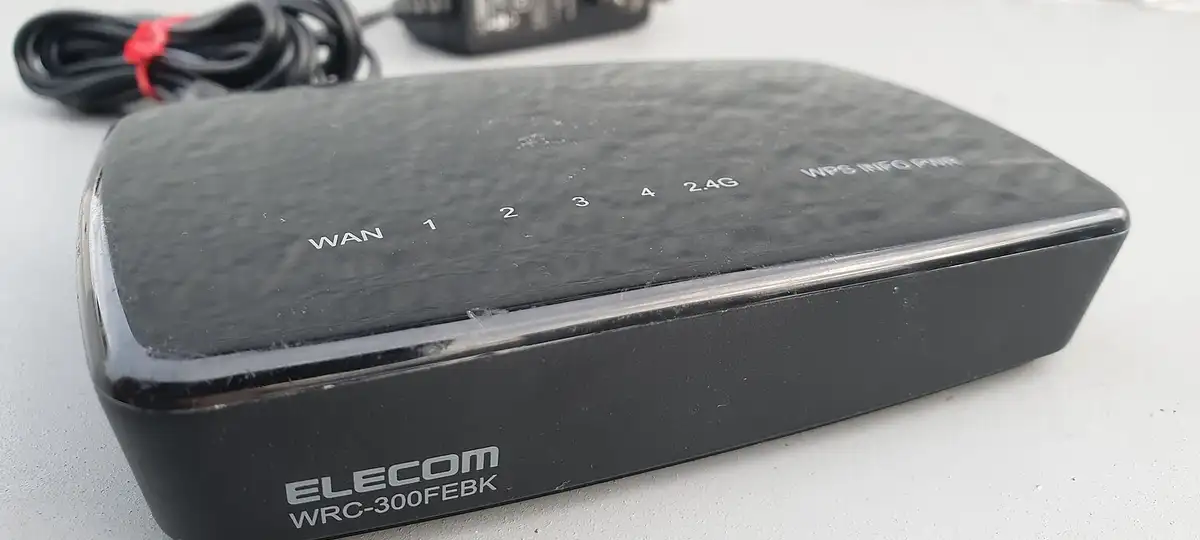

Most freezing happens on the short hop from the router to the telly rather than anywhere near our servers. Power-cycle the router and the box, switch to the 5 GHz band or run a cable, stop heavy downloads and empty the app’s cache. If a single channel is the problem, name it to us.
- A cable beats every other fix.
- Restart everything before touching any settings.
- All channels freezing together points upstream; one channel points to us.
In this order
1. Off and on again
Switch the router off at the wall for thirty seconds. Restart the TV or stick properly (Fire TV: Settings, My Fire TV, Restart).
2. Look for line hogs
Games consoles downloading, phones backing up photos, laptops updating: pause the lot and watch whether the picture steadies.
3. Improve the Wi-Fi
- Join the router’s 5 GHz network if it has one.
- Get the router out of the cupboard and off the floor.
- Two rooms from the router? Mesh units or powerline adapters will do more than an upgraded package.
- Better than any of that: a network cable, with Amazon’s adapter for a Fire stick.
4. Tweak the app
TiviMate: Settings, Playback, buffer size Large. Smarters: Settings, Player, try the other player. Any app: clear its cache in the device settings.
5. Try with and without a VPN
Using one? Switch it off and test. Not using one, and it only stutters in the evening? A VPN trial shows whether your provider slows video; see IPTV and VPNs.
6. Message us
Name the channel, the time it happened and the box you use. We can often move a struggling channel to another source within minutes.