Tuning in Google TV and Android TV
Last looked over: 14 October 2026 · BritCast TV team
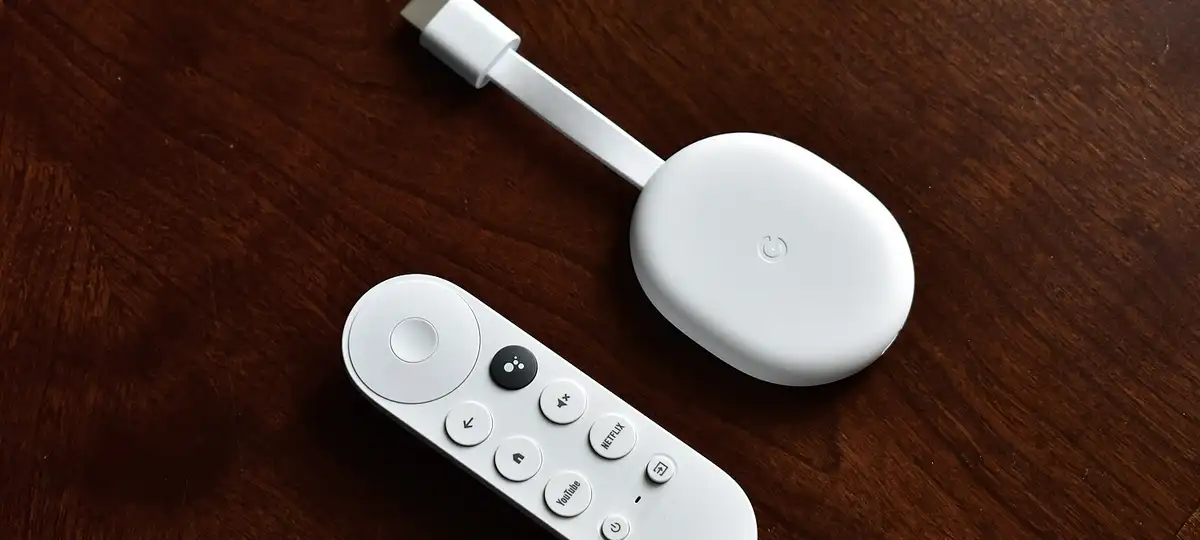

Google TV and Android TV devices install TiviMate and IPTV Smarters straight from Google Play, so there is no sideloading at all. Install, choose Xtream Codes, enter our three details and wait for the guide. Sony, TCL, Philips and Hisense sets with Google TV follow the same steps.
- TiviMate was made for remote controls and gives the best grid.
- Everything comes from Google Play: no developer settings.
- Budget boxes run better after clearing the app cache now and then.
1. Open Google Play
It sits under Apps; or press and hold the remote’s microphone and ask for the Play Store.
2. Choose a player
Type TiviMate or Smarters into the search and install whichever you prefer.
3. Add the playlist
In TiviMate pick Add playlist and Xtream Codes; in Smarters pick its Xtream Codes API sign-in. Then fill in the server, username and password.
4. Choose your groups
TiviMate lets you tick the channel groups you want; untick the rest, nothing is permanent.
5. Check the clock
Listings an hour out? Settings, System, Date and time, and set the zone to London.
Cheap unbranded boxes can feel sluggish with big line-ups. A Google TV Streamer or Nvidia Shield is noticeably quicker.