Tuning in an Apple TV
Last looked over: 14 October 2026 · BritCast TV team
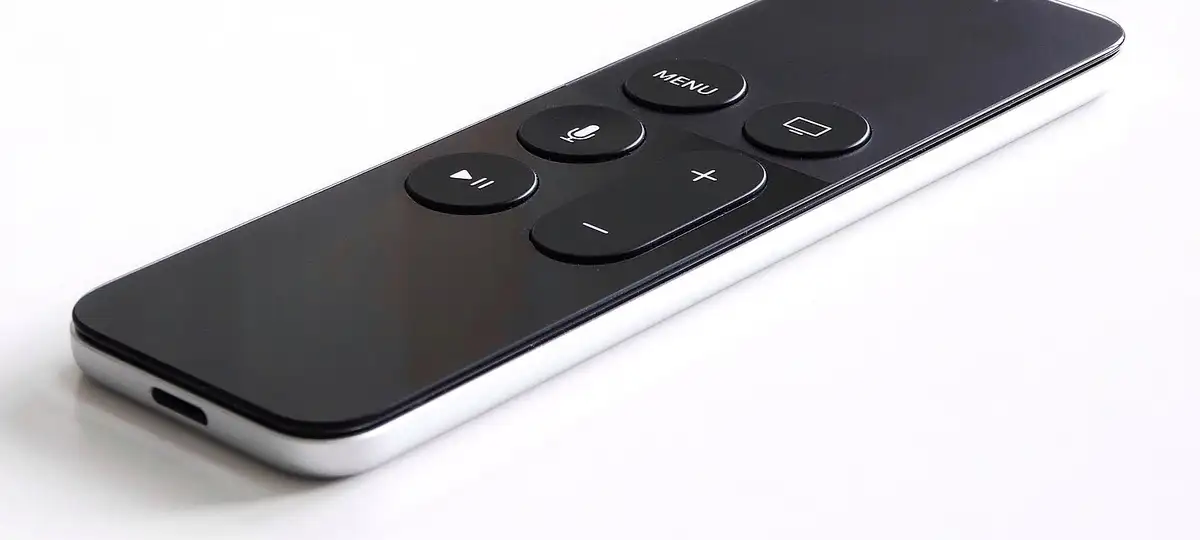

Apple’s box needs a player app (IPTV Smarters Pro, iPlayTV and UHF are all listed in Apple’s store) plus either our Xtream Codes details or our playlist link. The 4K model is fast and silent, and wired to the router by Ethernet it is about as smooth as IPTV gets.
- Run a network cable to the 4K model if you possibly can.
- Enable both Match settings: dynamic range and frame rate.
- Some App Store players charge once; most are worth it.
1. Find a player
Open Apple’s store on the box itself and search for one of IPTV Smarters Pro, iPlayTV or UHF.
2. Sign in
Pick the Xtream Codes option if the app has one and fill in our three details; playlist-only apps take the M3U link instead. Type on your iPhone when the prompt appears.
3. Set the picture
In Video and Audio set the format to 4K SDR (HDR if most of your viewing is HDR), and turn on the two Match Content toggles.
4. Settle in
Open a group, let the listings load and star your favourites. Several players sync favourites with the same app on iPhone and iPad.